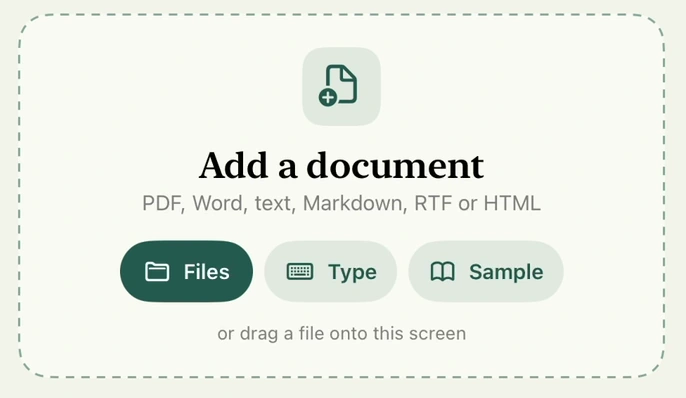
Start with what you wrote.
Open a text-based PDF or Word document, share one from another app, or paste a script. On Mac, you can drag a file onto the window.
 PageSpoken
Get the launch email
For iPhone, iPad, and Macs with Apple silicon
Turn a few lines of text into a lifelike voiceover for your next video. Give a tutorial a friendly guide or a short story a voice that draws you in. Hear Rachel read the opening of The Last Ferry.
Coming to the App Store.
Big voice. Small change.
A 5-minute AI voiceover for less than $1
The Last Ferry
Read by Rachel · Premium AI narrator
The narrator library
Why did Dr. Okafor bring two umbrellas? Listen to Jack tell it in his gravelly voice, then let Emma read the very same line. Which one makes you want to hear the next sentence?
Hear Rachel read The Last FerryAudition 30 AI narrators
“Dr. Okafor arrived at 10:30 with two umbrellas and no explanation.”
How it works
That script in your Notes app? That handout you just finished? Either can be your first recording.
Open a text-based PDF or Word document, share one from another app, or paste a script. On Mac, you can drag a file onto the window.
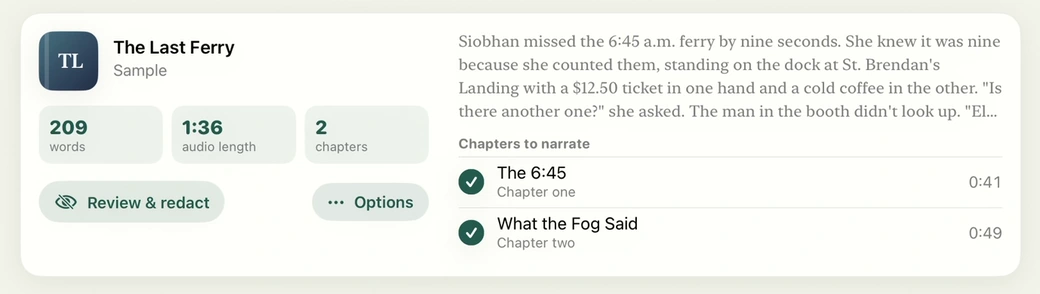
Need a five-minute listen? Set a target listening time or pick the chapters yourself. Skip a paragraph or take out a name before you record.
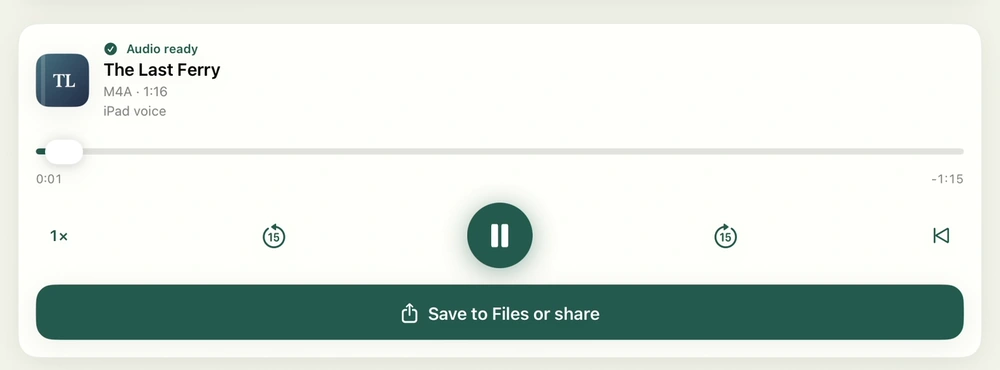
Listen to a narrator, then tap Create Audio. Save the recording and drop it into your video, play it over a slide, or send it to someone who’d love the story.
Video demos
Pick a project like yours. Each clip takes less than a minute and lets you hear the finished narration.
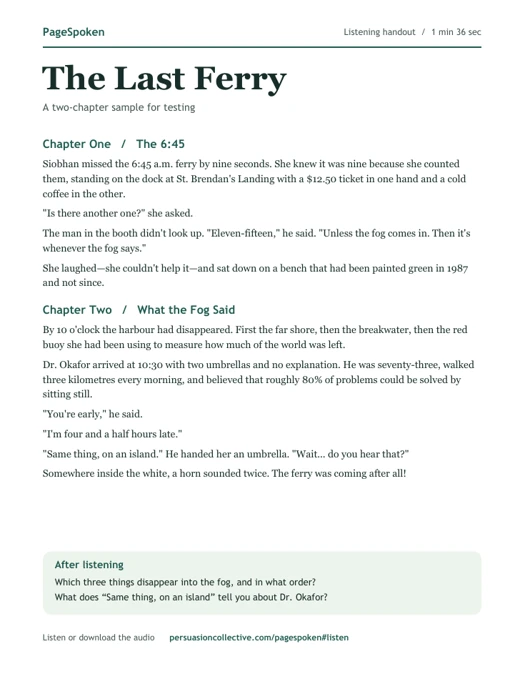
Let students follow the words on paper while Rachel reads aloud. Get the sample handout.
A pause can change the way a sentence lands. Hear Rachel read the opening of The Last Ferry, and see where to choose the pace for your own manuscript.
That voice walking you through the demo? PageSpoken made it. See how to turn your own script into a track for your video editor.
Send someone the deck and they can hear the explanation, too. Start with the speaker notes you’ve already written.
Read and listen
Find out what happens to Siobhan. Read the two short chapters of The Last Ferry while Rachel narrates. Teaching it? The one-page handout includes two questions to get the class talking.
Before you start
You choose the passage and how you want it to sound. With your permission, PageSpoken sends the text a few sentences at a time to its narration service on Google Cloud in the United States.
Your narrator reads each passage. Back on your device, PageSpoken checks the clips and joins them in order. Press play to hear one continuous recording, or save the M4A to use in your own project.
If your connection drops mid-chapter, the finished passages stay on your device. Retry with the same voice and settings and you only pay for the words still to record.
Give your next video, lesson, or story a lifelike voice that draws listeners in from the first line.
A voice installed on your device can read any of these for free.
Turn tomorrow’s reading into something you can listen to on the way to class. A voice installed on your device can read it for free, even offline. You can save and share that recording, too. In the app you can also audition Standard and Premium AI voices.
PageSpoken requires iOS 26 or later on iPhone, iPadOS 26 or later on iPad, or macOS 26 or later on a Mac with Apple silicon (M1 or newer). On Mac, the Mac App Store offers the iPad app. Drag a document into its window and use Save to choose where the finished M4A goes.
Open Word (.docx), PDFs with selectable text, plain text, Markdown, RTF, and saved HTML. You can also type directly or paste a passage. Chapter selection and redaction let you decide what gets read.
A device voice reads the text on your iPhone, iPad, or Mac. For AI narration, you decide which chapters to send and can remove names or whole paragraphs first. You can withdraw permission to share text at any time in Settings under Privacy. Read the privacy policy.
Yes. PageSpoken creates one M4A file you can play in Files, send to a collaborator, or add to a slideshow or video editor. You can also listen in the app with speed and lock-screen controls.
PageSpoken on the App Store
Have a script or story in mind? Get the App Store link by email when PageSpoken launches, plus occasional news about new features.